

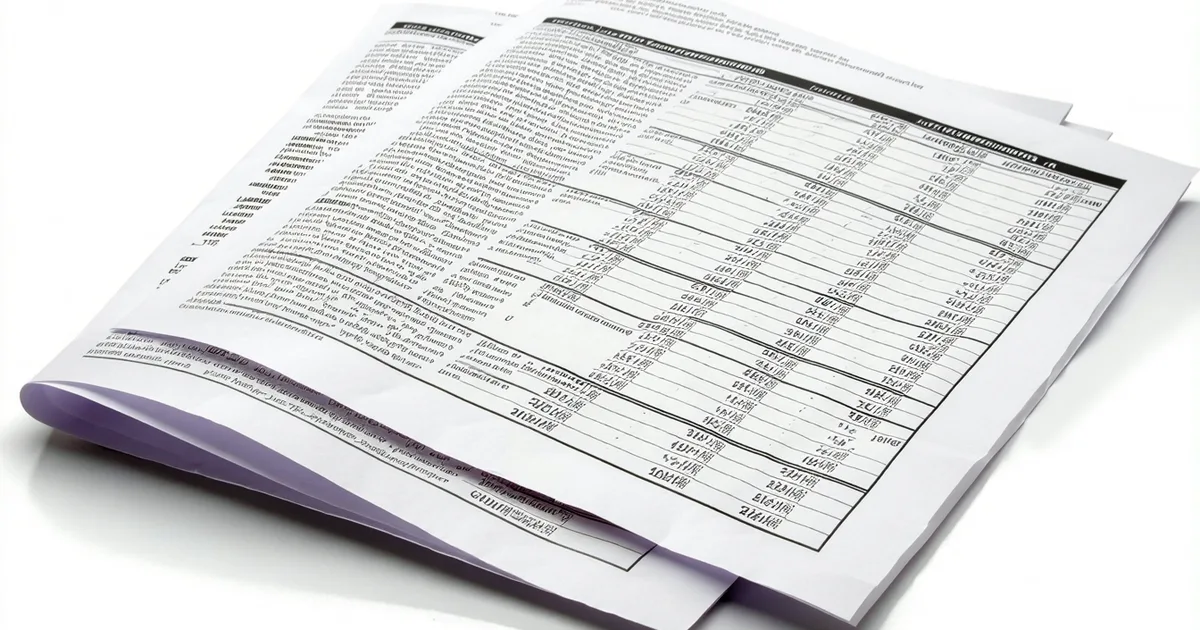
PDF is one of the most deceptive file formats in common use. It looks like a document. It renders text you can read. But underneath, a PDF is a positioning system, not a semantic document. Characters have coordinates. Columns are implied by spatial proximity, not by data structure. The line that says "Invoice Total: $4,280.00" is not a key-value pair in any structural sense. It is a sequence of positioned characters that a human reads as a key-value pair.
This matters because it explains why "extract data from PDFs" is a phrase that covers a huge range of technical difficulty, from trivially easy to genuinely hard, depending on the source of the PDF and what you want to extract from it.
The Three Categories of PDF Source
Not all PDFs are created equal from an extraction standpoint. The source of the PDF determines which techniques are applicable and how reliable the results will be.
Digitally generated PDFs from known software
An invoice generated by QuickBooks, FreshBooks, or a modern ERP system is a digitally generated PDF. The text is embedded as actual text with positional data. OCR is not required because the characters are already text, not images. Extraction from these documents is highly reliable because the layout is consistent within a software version, the field labels are predictable, and the spatial relationships between labels and values are stable.
For organizations that receive invoices primarily from vendors using modern accounting software, extraction accuracy from this document class is strong. The failure modes are few: multi-page invoices where the total appears on a different page from the line items, and software-generated PDFs that embed the text in non-standard encoding.
Scanned paper documents
A physical invoice or form that was printed, signed or filled in by hand, and then scanned is a fundamentally different problem. The text layer needs to be created via optical character recognition (OCR) from the image. OCR accuracy depends on scan resolution (300 dpi is the practical minimum for reliable character recognition), document condition, print quality, and font characteristics.
On clean, high-resolution scans of printed documents, current OCR technology is good. Error rates on individual characters run low enough that most field-level extractions will be correct. The harder cases are: handwritten fields within printed forms (significantly lower accuracy than printed text), low-contrast documents or faded print, multi-generation photocopies where the text has degraded, and documents with color backgrounds that reduce contrast.
Handwriting recognition deserves specific attention. Printed handwriting with clear letterforms extracts reasonably well. Cursive handwriting, small handwriting, and handwriting on fields with thin print lines (common on older forms) does not. If your document corpus includes handwritten expense reports, manually completed vendor forms, or signed contracts with handwritten amendments, be realistic about OCR accuracy on those fields.
PDFs converted from other formats
A third category exists that is often overlooked: PDFs that were originally another format, typically a Word document or an older electronic system export, and were converted to PDF without the underlying data structure. These look digitally generated but may have inconsistent text encoding, missing semantic structure, or table layouts that do not parse cleanly.
Fax-to-email conversions fall into this category as well. The fax process introduces image compression artifacts that degrade OCR accuracy in predictable ways: thin horizontal lines through characters, reduced contrast from transmission noise, and resolution reduction.
What Extraction Actually Produces
The output of a PDF extraction pipeline is a set of field-value pairs with associated confidence scores. For an invoice, the output might look like:
- vendor_name: "Peakline Industrial Supply" (confidence: 0.96)
- invoice_number: "INV-2024-7714" (confidence: 0.98)
- invoice_date: "2025-09-22" (confidence: 0.95)
- invoice_total: "4,280.00" (confidence: 0.91)
- tax_amount: "342.40" (confidence: 0.88)
- line_items: [array] (confidence: 0.74)
The confidence scores are signals about where to focus human review. A vendor name at 0.96 is almost certainly correct. A line item array at 0.74 is telling you that the table extraction was uncertain and deserves a look before the data proceeds downstream.
The critical design decision is what to do with confidence scores below your threshold for each field. The options are: reject the document and require manual entry, route to human review for that specific field while passing the high-confidence fields forward, or pass the low-confidence value with a flag for the approver to verify. Which option is correct depends on how consequential the field is and what the downstream workflow does with it.
Where Line-Item Extraction Breaks
Header-level field extraction, the total, vendor name, date, and invoice number, is the part that works well on standard invoice formats. Line-item extraction is materially harder and deserves separate evaluation.
Line items require the system to reconstruct table structure from spatial coordinates. This works reliably when: the invoice uses clear column separators, column widths are consistent, descriptions are short and do not wrap, and the number of columns is fixed. It breaks down when any of those conditions fail.
Custom manufacturers, professional services firms, and construction subcontractors are particularly likely to send invoices with complex line item structures. A consulting firm's invoice might have a single line item with a multi-paragraph description of services rendered. A fabrication shop's invoice might have 40 line items with inconsistent column widths across rows. A subcontractor's invoice might mix time and materials, quantity-based, and lump-sum line items in the same document.
If your accounts payable process requires accurate line-item extraction for cost-code allocation, three-way PO matching, or service verification, test specifically on your actual vendor corpus before assuming that header-level accuracy numbers will hold for line items. They will not.
Practical Output Formats
The structured output from an extraction pipeline needs to go somewhere. The common target formats for SMB workflows are:
JSON for programmatic consumption. If the extracted data feeds into a workflow engine or is pushed to an accounting software API, JSON is the standard format. Each field is a named key with a string or numeric value and a confidence score. This is what you consume when you push invoice data to QuickBooks via API.
Flat CSV for bulk review or import. For organizations that batch-process invoices weekly and import to accounting software in bulk, a CSV export of extracted fields is a common output. The advantage is that a reviewer can scan the entire week's extractions in a spreadsheet view and correct errors before import.
Validated form pre-fill. A human-in-the-loop review approach pre-fills a structured form with extracted values, highlights low-confidence fields for review, and submits the verified form as the authoritative record. The human corrects the uncertain fields rather than re-entering everything.
The validated form approach is often the right starting point for organizations new to automated extraction. It captures most of the time savings on high-confidence fields while maintaining human oversight on uncertain ones, and it builds a corpus of corrections that can be used to improve extraction quality over time.
A Note on "AI" in Extraction Marketing
Many document extraction products describe themselves as using AI or machine learning to extract data. This is technically true and not very informative. The meaningful distinction is between rule-based extraction (which uses heuristics like "look for a number preceded by a currency symbol after the text 'total'") and model-based extraction (which uses neural network models trained on large document corpora to infer field assignments from spatial context).
Model-based extraction generalizes better to layout variations across vendors. Rule-based extraction is more predictable and easier to audit when it fails. Most production-grade IDP systems use a combination: model-based extraction for initial field identification, with deterministic validation rules applied after extraction to catch obvious anomalies like totals that do not match the sum of line items or dates outside plausible ranges.
When evaluating extraction tools, ask what happens when extraction fails rather than what the headline accuracy claim is. A system that fails silently and passes bad data downstream is categorically worse than one that produces a lower accuracy rate but flags every uncertain output for review. Accuracy without uncertainty communication is not production-ready extraction.